Step 2
Host: build your song library
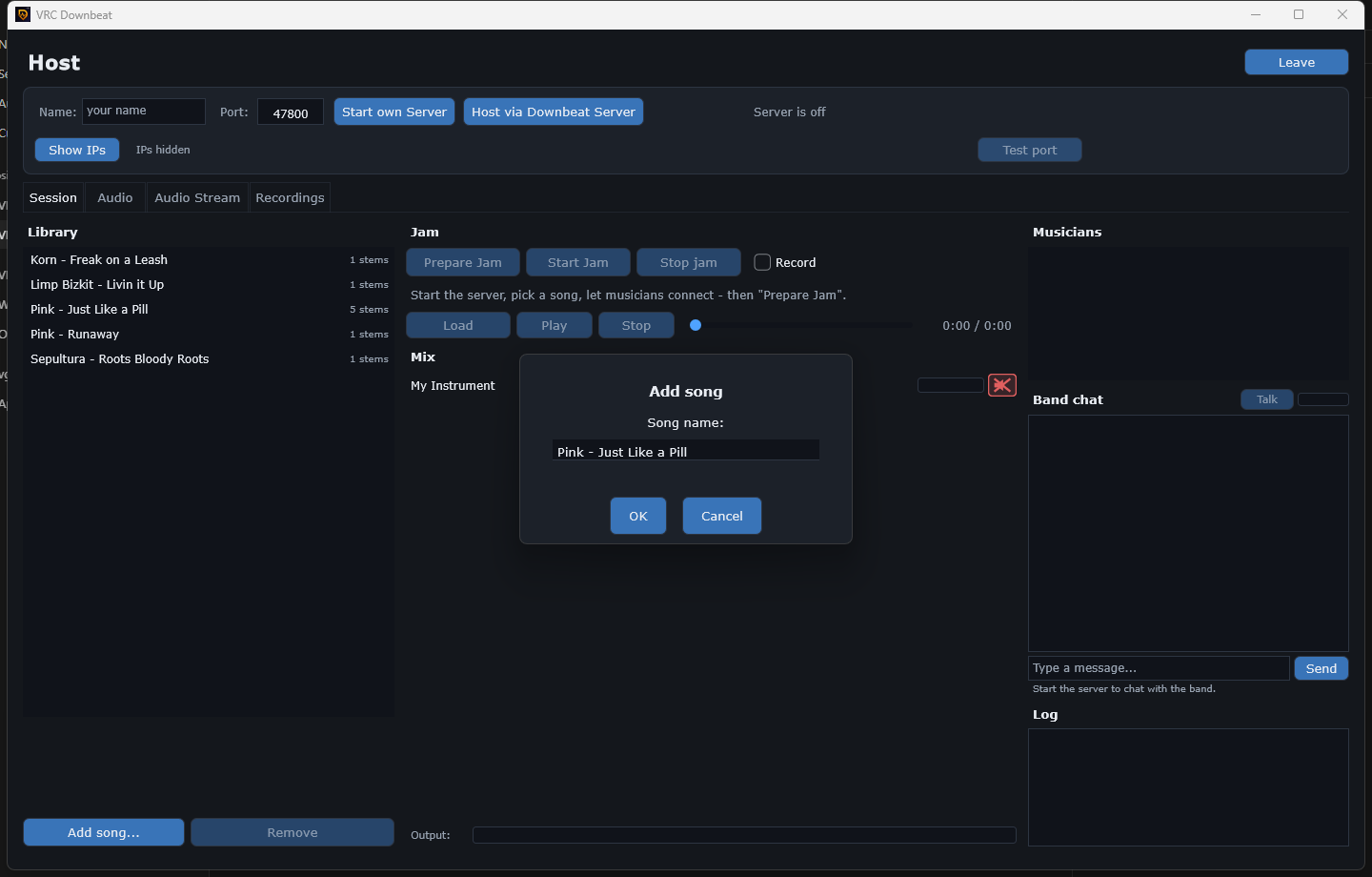
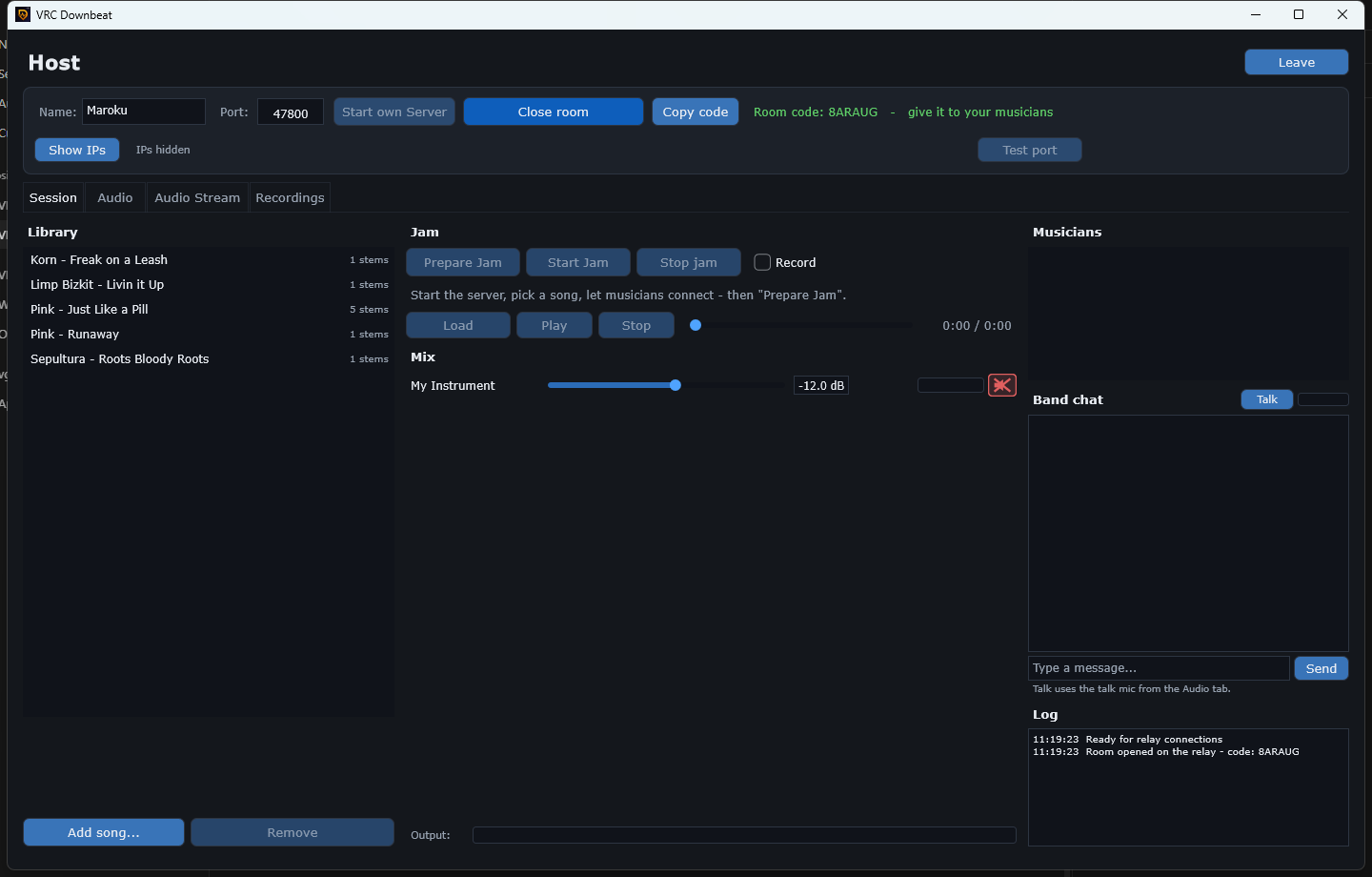
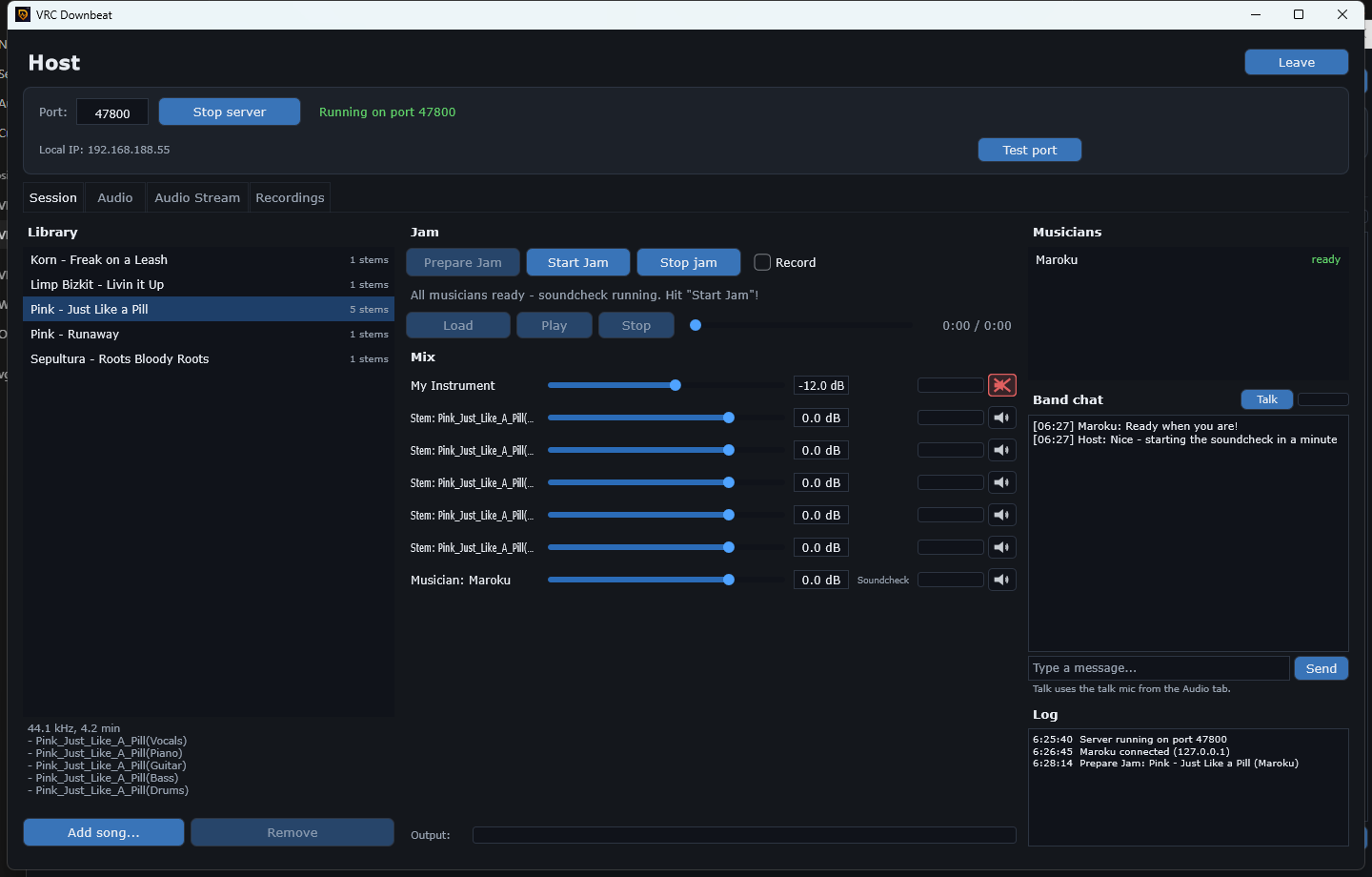
The Library panel on the left is the band's songbook, and only the host
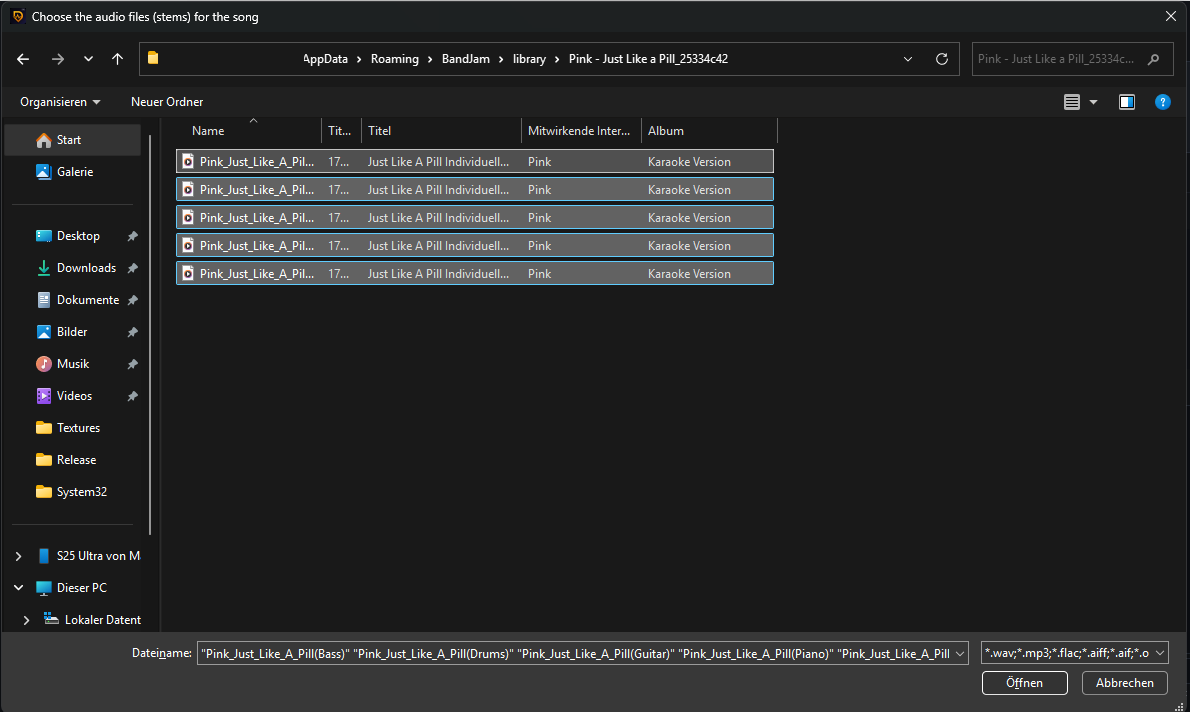
manages it. Click Add song… and select all the audio files that
belong to one song in a single go — each file becomes one stem (WAV, MP3,
FLAC, AIFF and OGG all work). Give the song a name, confirm, and the app copies the files into
its own library and reads their length and sample rate automatically. Or simply drag a folder
onto the list: it becomes one song with every file inside as a stem.
The list shows a stem counter next to each song — “5 stems” means bass, drums,
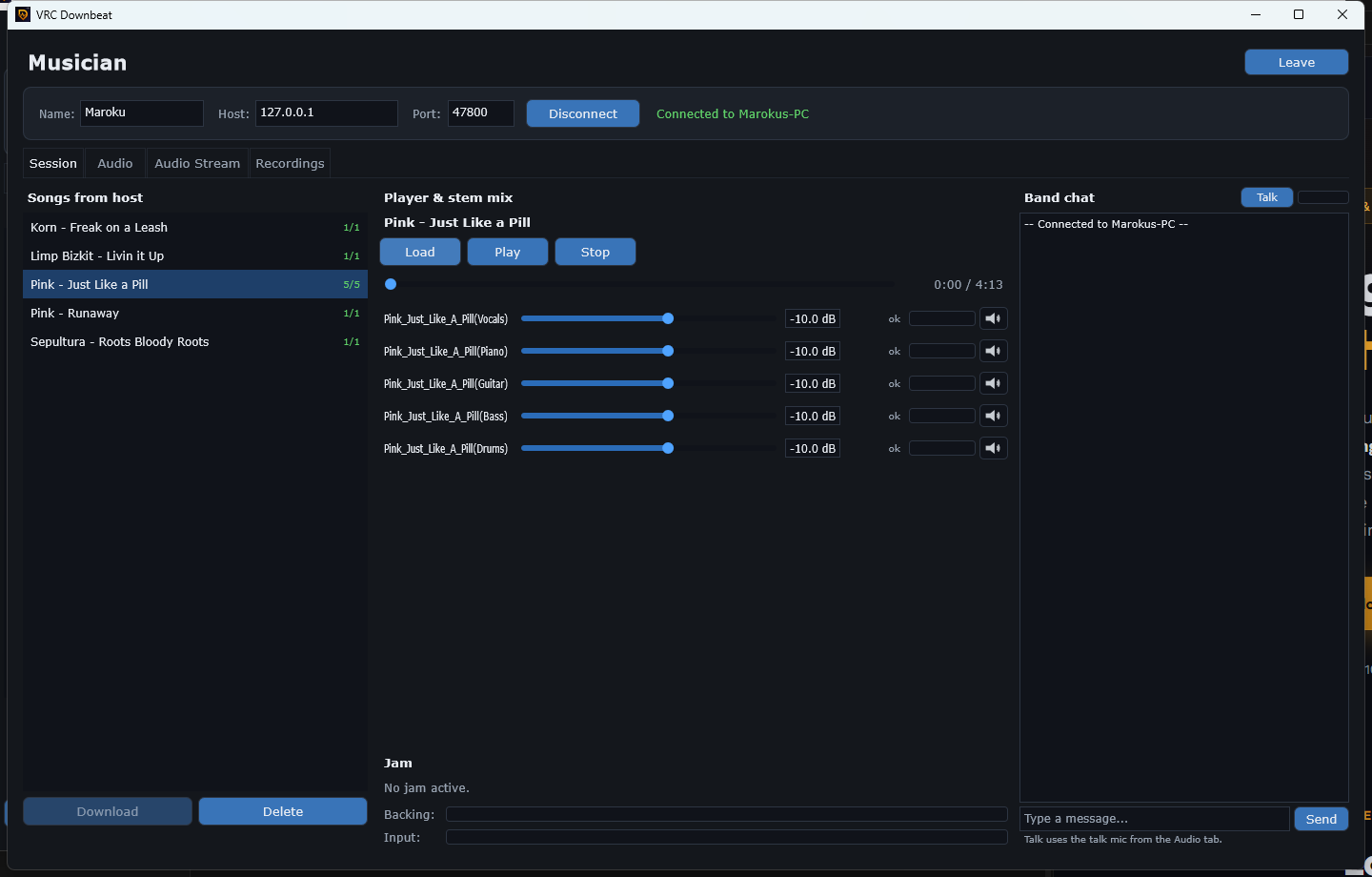
guitar, piano and vocals arrive as separate faders for everyone. Only have a normal full mix?
That's fine too: one file simply becomes a one-stem song. Named something wrong? The pencil
opens Edit Song — rename the song or its stems, add or remove stems (outside
of a jam, so everyone always has the same stems). Your musicians never touch any of this — when
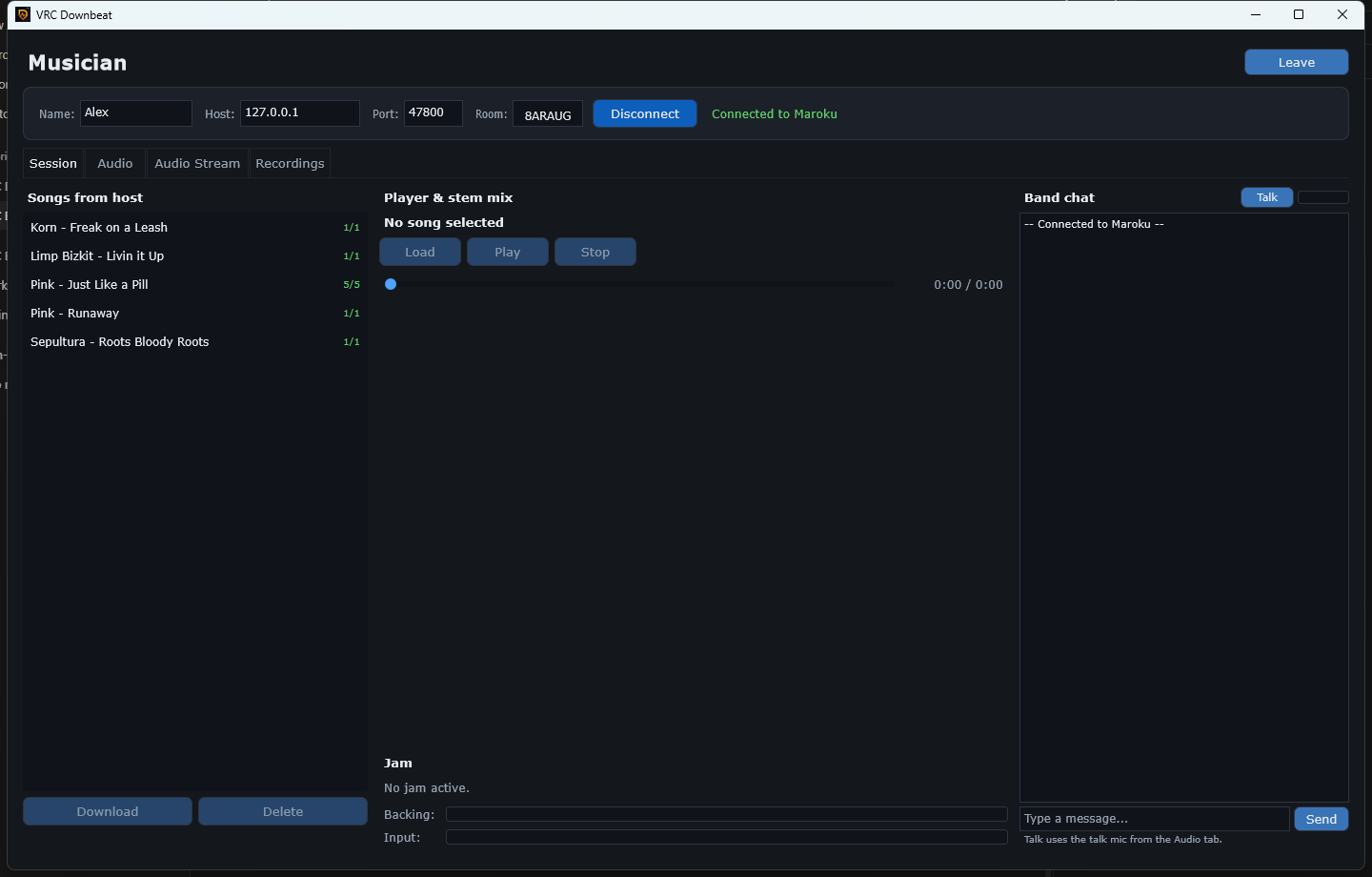
you press “Prepare Jam” the app asks you who may receive the song, and sends it to them.
Where are the files? Everything the app keeps for you — Songs, My Songs,
Downloads, Recordings, Exports and Settings — lives in
Music\VRC Downbeat in your Windows user folder. Settings › General › Data
folder lets you pick another place (an external drive, for example) and offers to move
your files there.
Where do stems come from? Karaoke-Version
sells custom backing tracks where every instrument is a separate download — perfect for this
app. Moises can split any
regular song into stems (or remove just your instrument) using AI. VRC Downbeat is
not sponsored by or affiliated with either of these services — they're simply
what works well in practice.